Important: This guide explains visual simulation. It does not diagnose a condition or recommend treatment.
Key takeaways
- AI smile simulator is a broad label for several different image technologies.
- Editable 2D templates offer more control; generative systems may look more realistic but can change unrelated details.
- A convincing image is still not evidence that a treatment is clinically possible.
Three technologies are often grouped together
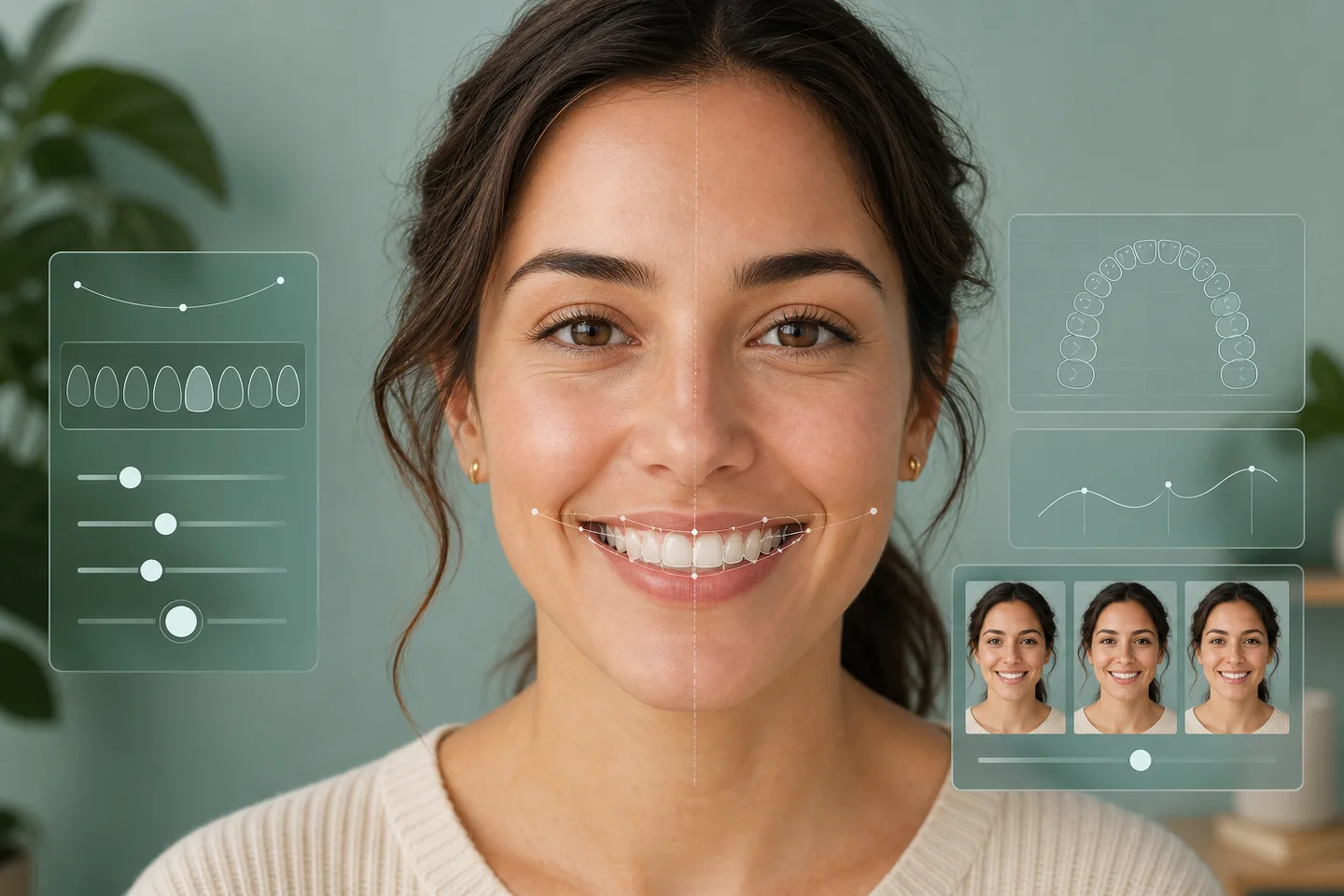
The label AI smile simulator can describe several very different systems. Some locate facial landmarks, some place editable tooth templates, and others generate a completely new image. The most useful consumer tools may combine these approaches without giving up control.
- Landmark detection estimates the face, midline and mouth position.
- Template rendering keeps tooth shape editable and repeatable.
- Segmentation separates lips, teeth and gums for more natural layering.
- Generative models can add realism but may also change unrelated facial details.
Why local processing matters
A face photo is personal. When the essential work happens in the browser, the original image does not need to be uploaded just to create a first preview. Upload should be a separate, informed choice for sharing or professional review.
Accuracy means being honest about limits
A visually convincing preview can still be clinically impossible. Bone, bite, gum condition, material choices and treatment sequence are not visible in one front-facing photograph.
Editable simulation and generative simulation are not the same
An editable simulator places a controlled dental layer over the original photograph. You can move, resize and shade that layer while the rest of the face stays stable. A generative simulator creates new pixels, which can blend edges beautifully but may also alter lips, skin texture or expression without making that obvious.
For exploring preferences, repeatability matters. If moving one slider produces a clear, limited change, you can compare versions more fairly. If the whole portrait is regenerated each time, part of the emotional reaction may come from changes unrelated to the teeth.
A practical privacy checklist
Before uploading a face photo, check where it is processed, whether it is stored, how long it is retained and whether it is used to train a model. Browser-local processing can avoid an upload for basic visualization, while optional sharing should require a separate, explicit action.
Also look for a plain-language limitation statement. A responsible service should make it easy to understand when pixels are being changed, when a photo leaves the device and why a visually realistic result still cannot replace examination or treatment planning.
- Is an account required?
- Is the original photo uploaded or kept on the device?
- Can a stored photo or share link be deleted?
- Does the service separate visualization from professional review?
Frequently asked questions
Does every smile simulator use AI?
No. Some use manually adjustable graphics or fixed tooth templates; others add face detection, segmentation or generative image models.
Is Try a New Smile an automatic AI diagnosis tool?
No. The current tool is an editable 2D browser-based visualization and does not diagnose dental conditions.
Can an AI preview predict a dental outcome?
No. A photo does not contain the examination, imaging, bite and health information needed to predict a treatment result.