Important: This guide explains visual simulation. It does not diagnose a condition or recommend treatment.
Key takeaways
- Start with a subtle version before testing a brighter or more uniform look.
- Judge the whole face at normal size, not only a close-up of the teeth.
- Use the image to explain preferences; it cannot establish whether veneers are suitable.
A preview should still look like you
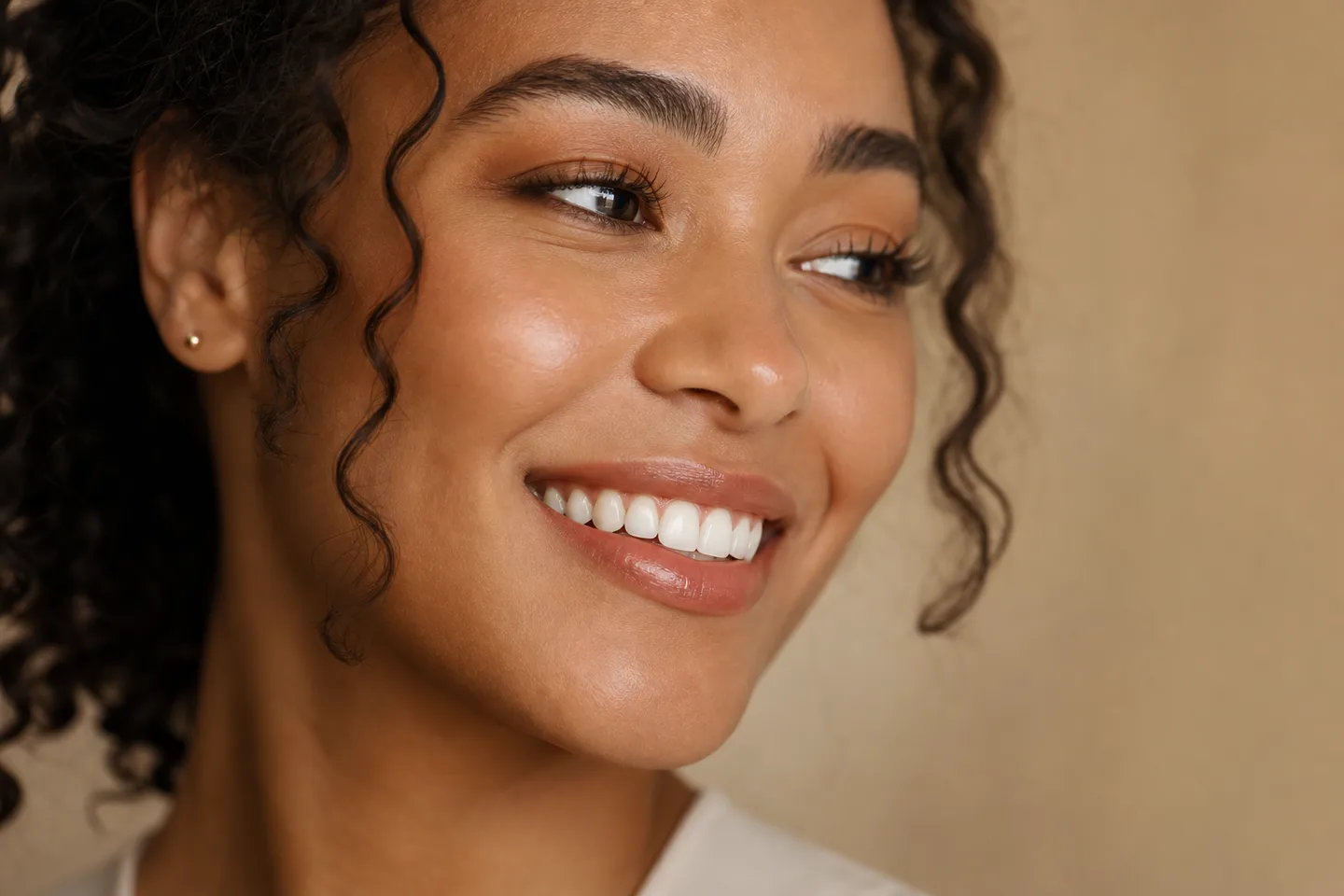
The most helpful veneer preview is not the most dramatic one. It preserves the face, expression and lip position while exploring how visible tooth shape and shade could change the overall smile.
A photo simulation can help you notice preferences that are hard to describe: softer or squarer corners, a warmer white, slightly longer central teeth, or a gentler smile curve.
What to compare
Create at least two versions and compare them at normal face size, not only while zoomed into the teeth.
- Natural versus brighter shade
- Rounded versus more defined tooth corners
- Subtle versus more complete change
- How the smile looks from conversational distance
What the preview cannot confirm
A photo cannot show enamel thickness, bite forces, gum health or whether veneers are the right clinical option. Treat the image as a visual vocabulary for a professional conversation, not a treatment plan or outcome guarantee.
Shape usually matters more than maximum whiteness
Central incisors, lateral incisors and canines have different visual roles. If every visible tooth is given the same width, length and edge, the result can feel flat. A more believable preview keeps small changes in proportion and lets the two central teeth lead the smile without overpowering the face.
Look at the corners too. Rounded transitions tend to feel softer; straighter edges and stronger corners can feel more graphic. Neither direction is universally better—the useful result is the one that fits your expression and the character you want to keep.
Questions to take to a consultation
Bring both the version you like and one you rejected. The contrast is often more informative than a single idealized image. Ask what parts of the preference could be explored conservatively and what alternatives may preserve more natural tooth structure.
Keep the original photo with the previews and note which control changed in each version. That simple record prevents the conversation from collapsing into a vague request for a perfect smile and helps a professional understand whether your priority is proportion, edge character, colour or the overall amount of change.
- Which visible proportions are realistic for my existing teeth and gums?
- How would a temporary mock-up differ from this flat photo preview?
- How will shade be checked in daylight and beside untreated teeth?
- What maintenance, replacement and bite considerations apply?
Frequently asked questions
Can a photo show exactly how veneers will look?
No. It can illustrate a direction for visible shape and shade, but it cannot reproduce materials, movement, bite, gums or the final clinical result.
Should I choose the whitest preview?
Not automatically. Compare warmer and brighter options at normal face size and in the context of your skin, lips and untreated teeth.
Can I take the preview to a dentist?
Yes. Treat it as a preference reference and conversation starter, not a prescription or promised outcome.