Add one clear photo
Use a front-facing smile photo. Your image stays on your device while you design.
Explore tooth shape, balance and brightness from one photo—free, without signing up, and without sending your photo anywhere by default.
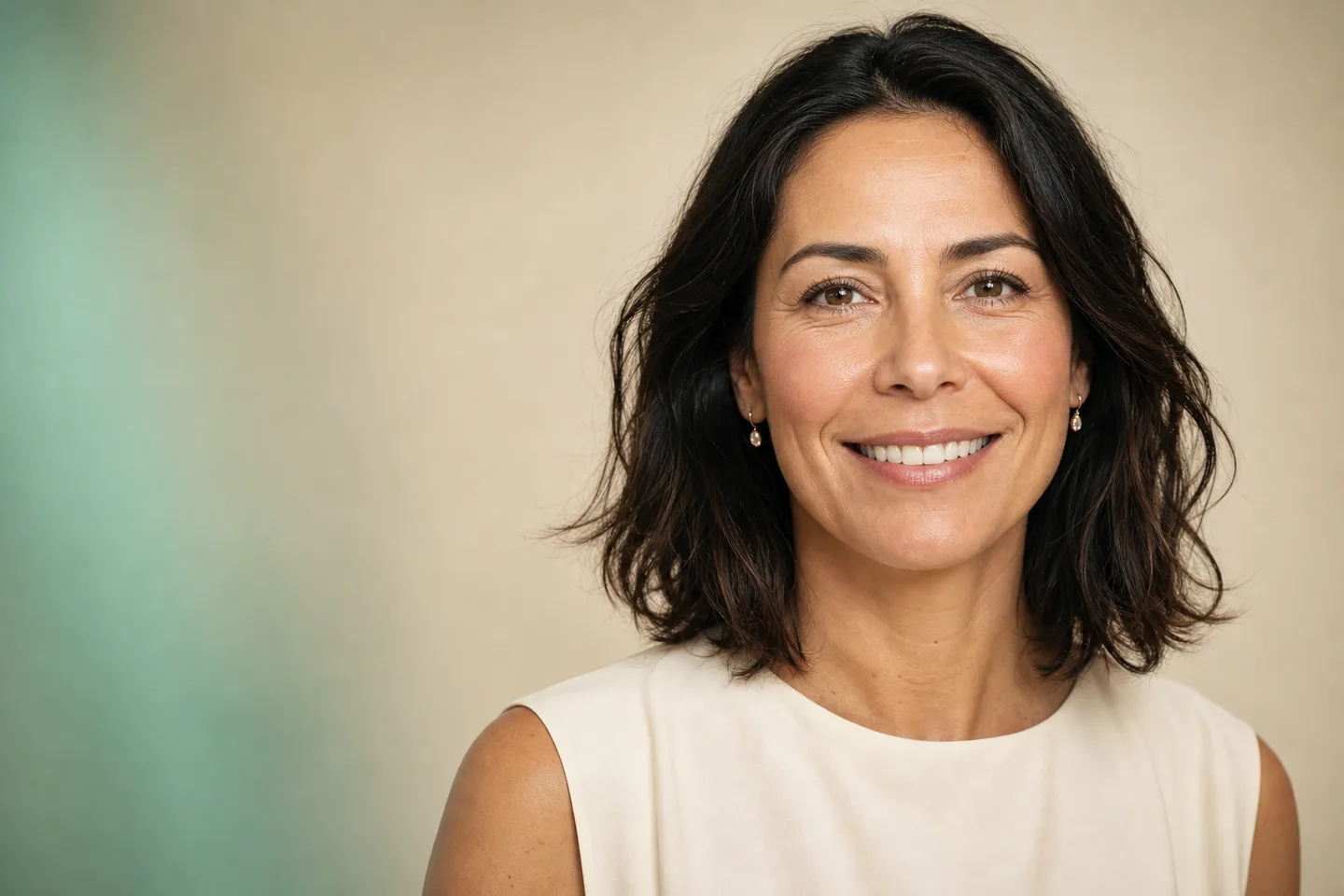
Designed for a clearer first conversation—not a clinical promise.
VeneersMissing teethFull-smile restorationWhiteningNo complicated dental software. Start simply, then open precise controls only when you want them.
Use a front-facing smile photo. Your image stays on your device while you design.
Try natural, balanced or brighter styles and fine-tune the size, curve and shade.
Switch between before and after, download your preview, or share it when you choose.
Try a New Smile keeps the face and expression at the centre. The preview tools focus on the visible teeth, with controls that remain understandable.
Educational visualization only. Dental feasibility requires an examination.
A photo cannot choose treatment. It can make aesthetic preferences easier to see and explain.
Compare subtle and more uniform tooth proportions without treating the image as a promise.
02See how warmth, brightness and contrast affect the whole face.
03Explore the front-facing appearance, then separate it from clinical implant planning.
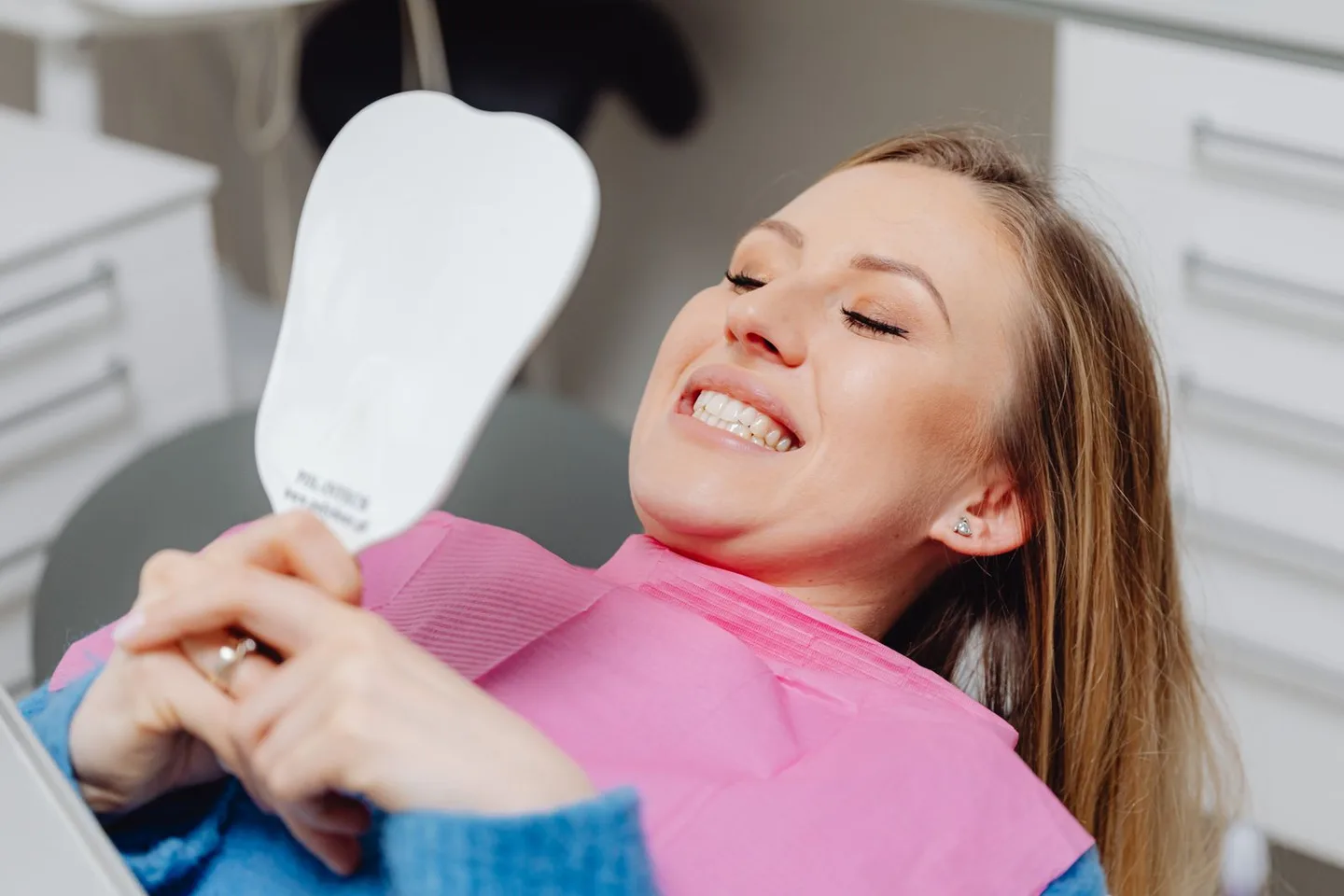 Veneer count guide
Compare different visible veneer counts in one smile photo, understand why the number shown in a simulator is not a treatment recommendation and prepare better questions for a consultation.
Read guide →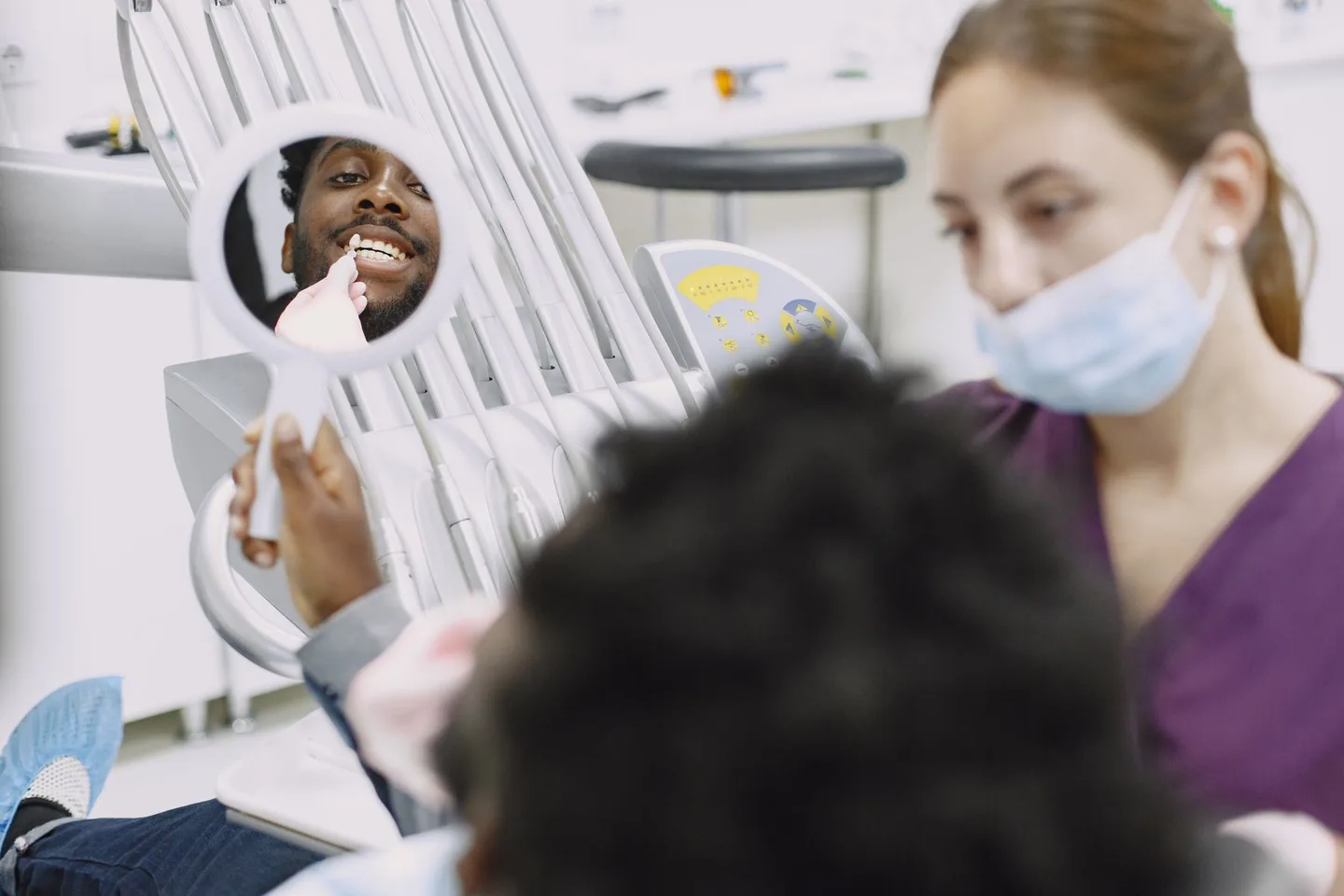 AI veneer makeover
Build a useful veneer-style smile comparison from one photo—without confusing an AI image with a diagnosis, treatment plan or promised result.
Read guide →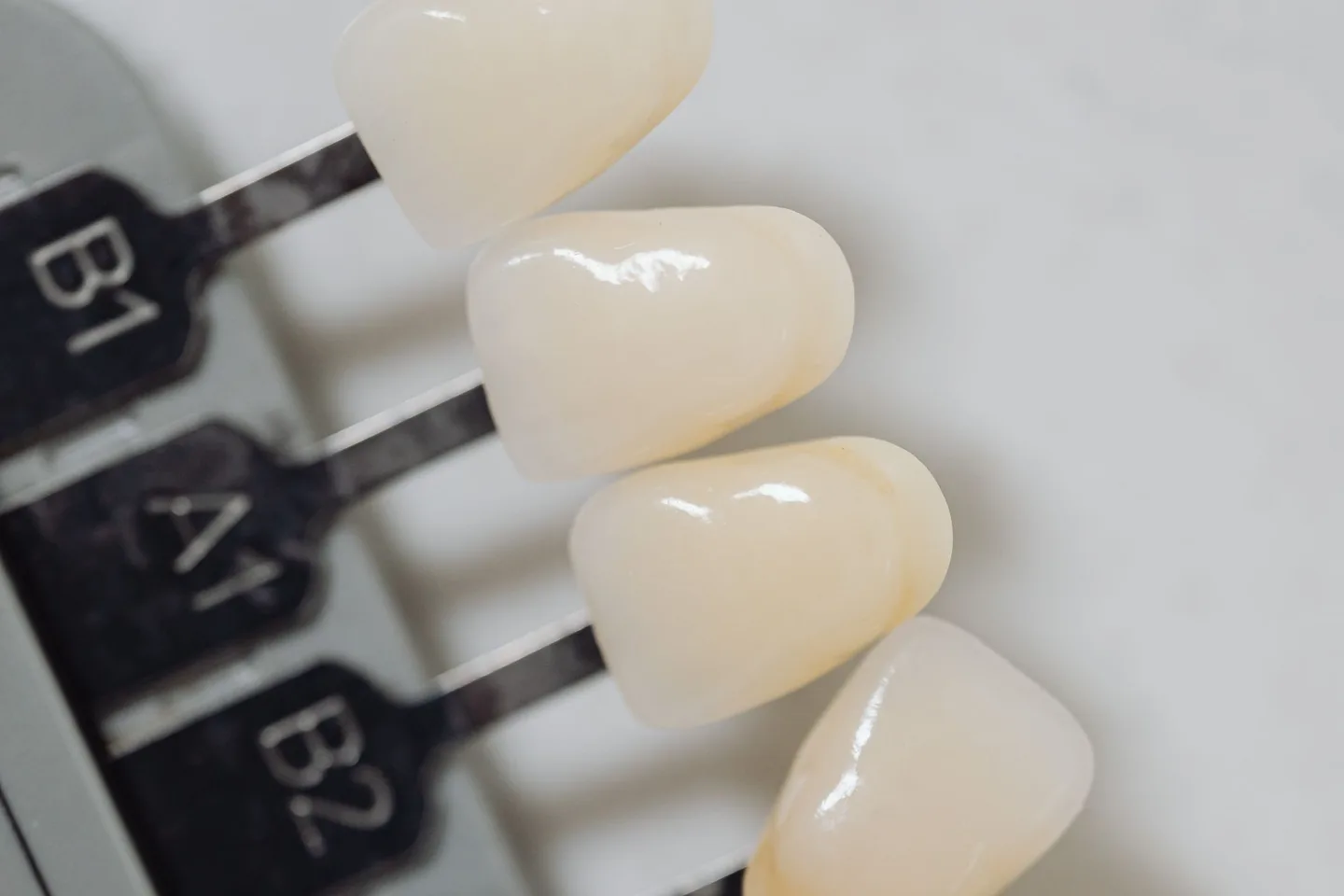 A1 vs B1 shade
Compare A1 and B1 as visual shade directions, understand what the codes really mean and choose a veneer colour without mistaking a screen preview for a clinical shade match.
Read guide →Yes. The current 2D smile studio is free to use and does not require an account.
No. In the current prototype, the selected photo is processed in your browser and is not uploaded just to create or download a preview.
It can help you explore visible shape, shade and smile balance. It cannot determine treatment suitability or predict a clinical result.
No. It is an editable 2D visualization tool. It does not examine your dental health, diagnose a condition or create a treatment plan.