Important: This guide explains visual simulation. It does not diagnose a condition or recommend treatment.
Key takeaways
- Use soft front light and avoid beauty filters or flash glare.
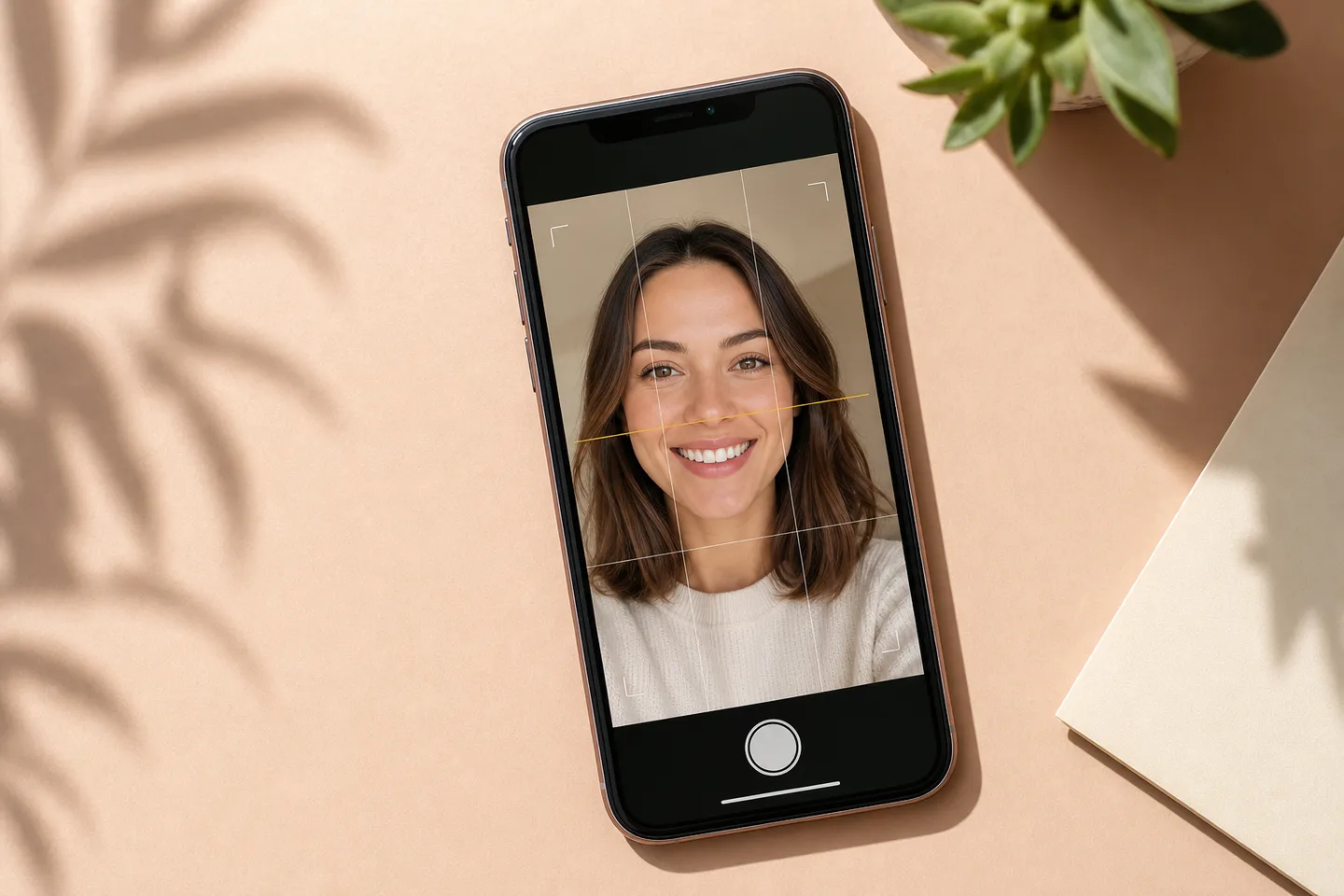
- Keep the phone level, step back slightly and face the lens directly.
- Take two or three relaxed versions and choose the clearest, not the widest smile.
Start with even light
Face a window or use soft light from the front. Avoid a strong ceiling light, flash glare or deep shadow across one side of the mouth.
Keep the camera level
Hold the phone near eye level and keep your face straight toward the camera. A close wide-angle selfie can distort tooth proportions, so step back slightly and use a normal camera view when possible.
Use a comfortable, tooth-showing smile
The tool needs to see the visible tooth area, but an exaggerated expression can make the preview less representative.
- No beauty filters
- No sunglasses
- Teeth clearly visible
- Photo in focus
- Lips not covering the main front teeth
Distance prevents wide-angle distortion
A phone held very close can make the centre of the face and front teeth appear larger while pulling the sides of the smile away. If possible, ask someone else to take the photo or prop the phone at eye level, step back and crop afterward.
Avoid portrait effects that blur the mouth edge or change facial proportions. A simple, sharp photograph is more useful than a heavily processed one.
The 20-second retake check
Before using the image, zoom in once to confirm the teeth and lip edges are sharp, then return to normal size to make sure the face is not tilted or cropped too tightly.
- Both eyes and the full mouth are visible
- The camera is close to eye level
- Light reaches both sides of the smile
- No filter changes skin or tooth colour
- The file is the original photo rather than a compressed screenshot
Keep the original file for fair comparisons
Do not repeatedly save and re-edit a screenshot. Each round can soften edges and alter colour. Start every new version from the same original photograph, record the preset or controls you used and compare the results on one screen at the same brightness. This makes the differences easier to attribute to the smile settings rather than to changing image quality.
Frequently asked questions
Can I use a selfie for a smile preview?
Yes, but a little distance reduces wide-angle distortion. Keep the phone level and use the normal camera view when possible.
Should I use flash?
Usually no. Soft window light from the front tends to preserve tooth colour and lip edges better than direct flash.
Do I need to show my whole face?
For a face-based aesthetic comparison, include the full face and mouth so the smile can be judged in context.