Important: This guide explains visual simulation. It does not diagnose a condition or recommend treatment.
Key takeaways
- A tooth gap preview can compare a visible closed-gap direction without changing the rest of your face.
- Closing a space changes the apparent width and proportion of the neighbouring teeth, not only the empty area.
- A new or widening gap, loose teeth, bleeding gums or discomfort needs a dental assessment rather than a cosmetic simulation.
What a tooth gap simulator can show
A tooth gap simulator places an editable tooth design over the visible smile in a front-facing photograph. It can help you compare your current smile with a concept in which a front gap appears smaller or closed.
This is useful for answering a visual question: would I prefer to keep the gap, soften it or explore a more continuous tooth line? The result is a preference image, not a diagnosis or a promise of how treatment would look.
Closing the space changes tooth proportion
A believable gap-teeth preview cannot simply paint over the dark space. The neighbouring central incisors need to share the added width. If both teeth become too wide, too square or too identical, the result may look heavier than expected.
Compare the full face at normal size. Look at whether the central teeth still suit the lips, whether the smile remains balanced and whether a small amount of natural asymmetry feels more convincing than a perfectly uniform row.
- Compare a subtle reduction with a fully closed-gap concept.
- Watch the width-to-length balance of the two front teeth.
- Keep the original tooth shade before testing a brighter version.
- Save both the preferred and rejected concepts for discussion.
How to take a useful comparison photo
Use a level, front-facing photograph with soft light and a relaxed tooth-showing smile. Avoid tilting the head, stretching the lips or using portrait filters, because each can change the apparent position and width of the gap.
Keep the original photo and make only one change at a time. That makes it easier to judge the effect of spacing separately from tooth colour, smile width or tooth length.
Diastema is a description, not a treatment decision
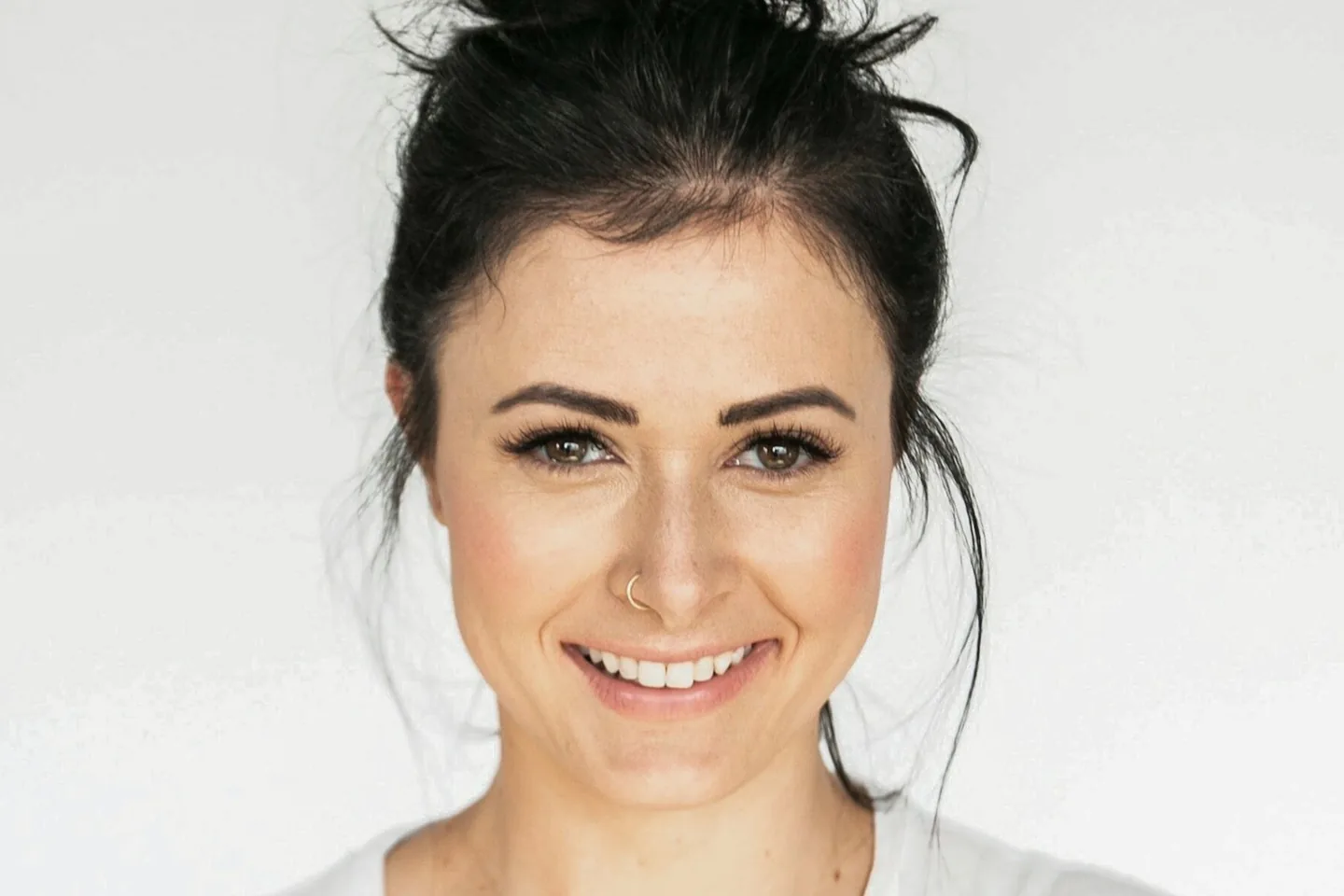
The clinical term for a gap between teeth is diastema. Some people naturally have a stable front gap and choose to keep it as part of their smile. Other spaces may relate to tooth size, a missing tooth, tooth movement, gum health or other factors that a photograph cannot determine.
If a gap is new, becoming wider, or appears with loose teeth, bleeding gums, swelling or discomfort, arrange a dental assessment. A simulator should not delay examination of a changing condition.
Bonding, veneers and orthodontics create different changes
Depending on the cause and the individual case, a professional conversation may include composite bonding, porcelain veneers, braces or clear aligners. These approaches do not achieve the same thing: some add material to visible tooth surfaces, while orthodontic treatment moves teeth.
A flat photo cannot compare enamel removal, reversibility, bite, gum response, maintenance, treatment time or long-term stability. Use the image only to explain the appearance you want to explore, then discuss the clinical trade-offs separately.
Questions to take to a consultation
Bring the untouched photo, a subtle preview and a fully closed-gap version. Showing a range helps a dentist understand whether your priority is the space itself, the width of the front teeth or the overall character of the smile.
- What is the likely reason for the gap in my case?
- Is the space stable, or are the teeth moving?
- How would each option change tooth width, enamel and maintenance?
- Would a physical mock-up differ from this 2D photo concept?
- What result can be evaluated before making an irreversible decision?
Try a restrained tooth gap preview first
Start with the natural preset in the free studio. Align the tooth set with the existing smile, keep the current shade and adjust the width slowly. Save one concept with a smaller visible gap before testing a completely continuous tooth line.
The most useful result is not the most dramatic one. It is the version that helps you describe your preference while leaving clinical decisions to an appropriately qualified professional.
Sources and further reading
These independent clinical resources were used to check the health information in this guide.
Frequently asked questions
Can a tooth gap simulator show exactly how bonding will look?
No. It can illustrate a visible direction, but it cannot reproduce composite material, tooth preparation, bite, surface texture or the final clinical result.
Can I use the simulator for a gap between my front teeth?
Yes, a clear front-facing photo can help compare visible spacing and proportion. It cannot identify the reason for the gap or recommend treatment.
Should every tooth gap be closed?
No. Many stable gaps are a natural smile characteristic. Whether to keep or change one is personal, while any health or treatment question requires an individual assessment.
When should a tooth gap be checked by a dentist?
Arrange an assessment if the gap is new or widening, or if you also notice loose teeth, bleeding gums, swelling, pain or other changes.